SEO Blog Automation: Generate, Optimize & Publish Content Automatically
· Chirag Gadhvi
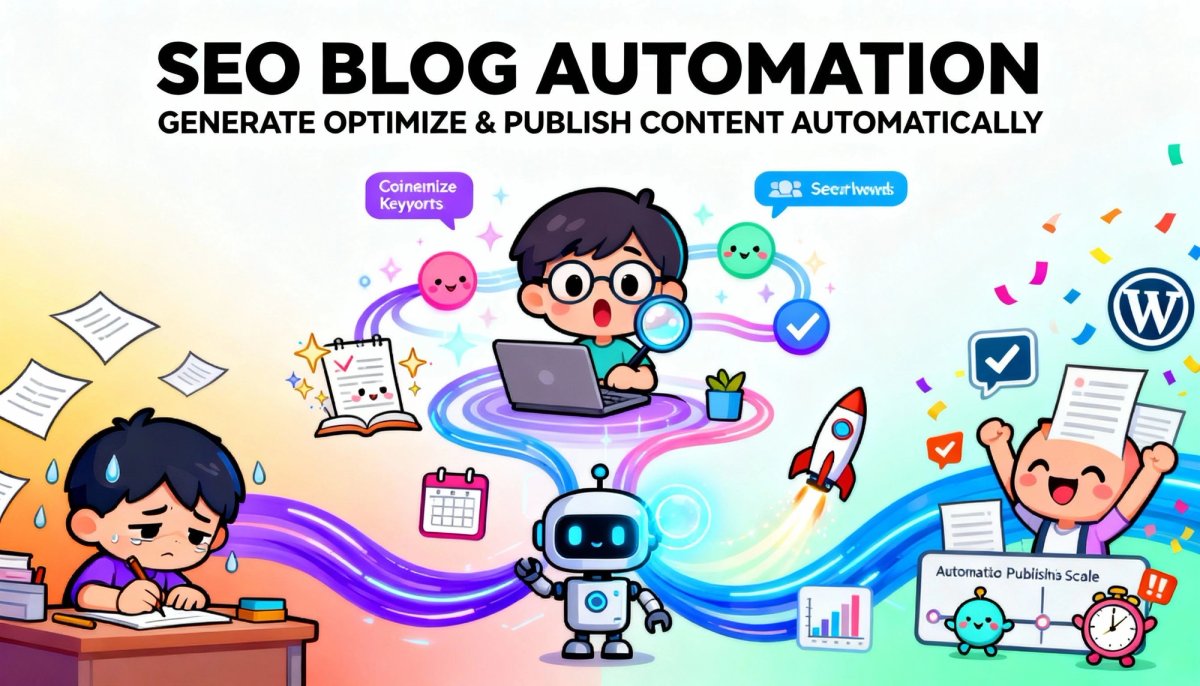
Let's be honest—creating SEO-optimized blog content is exhausting. You're juggling keyword research, writing compelling copy, optimizing metadata, generating images, scheduling posts, and updating spreadsheets. By the time you hit publish, you've spent hours on a single article. What if I told you that you could automate 90% of this process while actually improving content quality?

Welcome to the world of intelligent blog automation—where AI agents, n8n workflows, and smart integrations transform content creation from a time-consuming chore into a streamlined, scalable system that runs while you sleep.
The Traditional Content Creation Nightmare
Most content teams follow the same painful process: brainstorm topics in spreadsheets, manually research keywords, write drafts in Google Docs, create featured images in Canva, format everything in WordPress, optimize SEO settings one by one, schedule social promotion, and pray the content performs well. This cycle repeats for every single article, consuming 4-6 hours per post.
The worst part? Human inconsistency creeps in. Some posts get proper SEO optimization, others don't. Image quality varies. Publishing schedules slip. Your content strategy becomes reactive instead of strategic.
Enter Intelligent Blog Automation
Modern automation transforms this chaos into a systematic content engine. Using n8n as the orchestration layer combined with AI agents for content generation, you can build a workflow that handles everything from ideation to publication automatically.
Here's how the magic happens: Your workflow starts by monitoring a Google Sheet where you list blog topics with a simple "Create" status. When triggered (either on schedule or manually), n8n reads the pending topic, passes it to an AI agent (powered by Claude, GPT-4, or similar), which generates comprehensive, SEO-optimized content following your exact specifications.
The AI Content Generation Engine
The AI agent isn't just throwing words together—it's following a sophisticated system prompt that ensures every article matches your brand voice, includes proper keyword optimization, follows E-E-A-T principles (Experience, Expertise, Authoritativeness, Trustworthiness), and structures content for both readers and search engines.
Your prompt instructs the AI to research the topic, identify relevant keywords, create compelling introductions with hooks, structure content with proper H2 and H3 hierarchies, include actionable insights with real-world examples, and craft conclusions that drive engagement. The output? Publication-ready content that rivals human-written articles but generated in minutes instead of hours.
Automated Image Generation That Actually Works
Static stock photos are boring. Your workflow includes intelligent image generation using AI services like ByteDance's SeeDream or similar text-to-image models. The AI creates custom blog banner images that match your exact specifications—professional layouts with titles integrated directly into the design, relevant illustrations matching the topic, and consistent branding across all content.
The workflow automatically generates the image prompt based on your blog title, sends it to the image generation API, waits for processing (typically 2-3 minutes), retrieves the final image, and uploads it directly to your WordPress media library with proper metadata (alt text, captions, descriptions) for SEO benefits.
WordPress Publishing on Autopilot
Once content and images are ready, your n8n workflow handles the entire publishing process. It creates a new WordPress post via the REST API, populates all content fields including title and body, sets the generated image as the featured image, assigns appropriate categories and tags, configures SEO metadata (if using Yoast or similar), and publishes as a draft for final human review or goes live immediately based on your confidence level.
The Feedback Loop: Tracking What Works
Smart automation includes tracking. Your workflow updates the original Google Sheet, marking the topic as "Posted," adding the publication date and WordPress post URL, and logging any errors for troubleshooting. This creates a complete audit trail and enables performance analysis over time.
Real-World Implementation: The n8n Workflow
Let me walk you through the actual architecture. Your workflow consists of these connected nodes:
- Schedule Trigger: Runs daily at your preferred time (9 AM works great for most businesses)
- Google Sheets Reader: Queries your blog topics database for rows marked "Create"
- AI Agent: Processes the topic through your language model with structured output parsing
- Image Generator: Creates custom banner images via API
- WordPress Uploader: Handles media upload and metadata assignment
- Post Creator: Publishes formatted content with featured image
- Sheet Updater: Marks the topic as complete with publication details
Each node passes data to the next, creating a seamless pipeline from idea to published content. Error handling ensures failed steps don't break the entire workflow—if image generation fails, you get notified but content still publishes with a placeholder.
Cost Efficiency That Makes Sense
Let's talk numbers. A typical blog post costs 50-$300 when outsourced to freelance writers. With automation, your costs drop to approximately $2-$5 per post (AI API costs plus image generation). Publishing 20 articles monthly goes from $3,000-$6,000 to under 00 in direct costs. The ROI is staggering.
Quality Control: Human in the Loop
Smart automation doesn't eliminate humans—it amplifies them. Your workflow can publish directly or create drafts for review. Most teams start with draft mode, reviewing and refining AI output before publication. As you build confidence in your prompts and see consistent quality, you can transition to full automation for certain content types while keeping human review for high-stakes articles.
Scaling Content Production Without Scaling Headcount
Here's where automation truly shines: scaling. Want to go from 5 articles per week to 20? Just add more topics to your spreadsheet. Your workflow handles the increased volume without additional overhead. This enables content strategies that were previously impossible—comprehensive topic coverage, targeting long-tail keywords, creating content variations for different audiences, and maintaining publishing consistency even during holidays or staff changes.
Getting Started: Your Implementation Roadmap
Start simple. Build the core workflow with basic AI content generation and manual image upload. Test with 5-10 articles, refining your AI prompts based on output quality. Add image automation once content generation is solid. Implement error handling and notification systems. Gradually increase automation confidence, moving from drafts to direct publishing for proven content types.
The Future of Content Marketing
Content automation isn't about replacing writers—it's about eliminating the repetitive aspects so humans can focus on strategy, creativity, and high-value content that requires genuine expertise and original thinking. Your team shifts from content production workers to content strategists who guide AI systems and focus on what truly matters: creating value for your audience.
The businesses winning in content marketing aren't working harder—they're automating smarter. Your competitors are probably still manually writing every article. While they're burning out producing 2-3 posts per week, you'll be publishing 20+ high-quality, SEO-optimized articles systematically, consistently, and sustainably.
Start Building Your Content Engine Today
The technology exists. The tools are accessible. The only question is: will you spend the next year manually creating content one article at a time, or will you invest a few hours building an automation system that scales your content production 10x while improving quality and consistency?
The choice is yours. But remember—every day you wait is another day your competitors might be building their own content automation engine.